
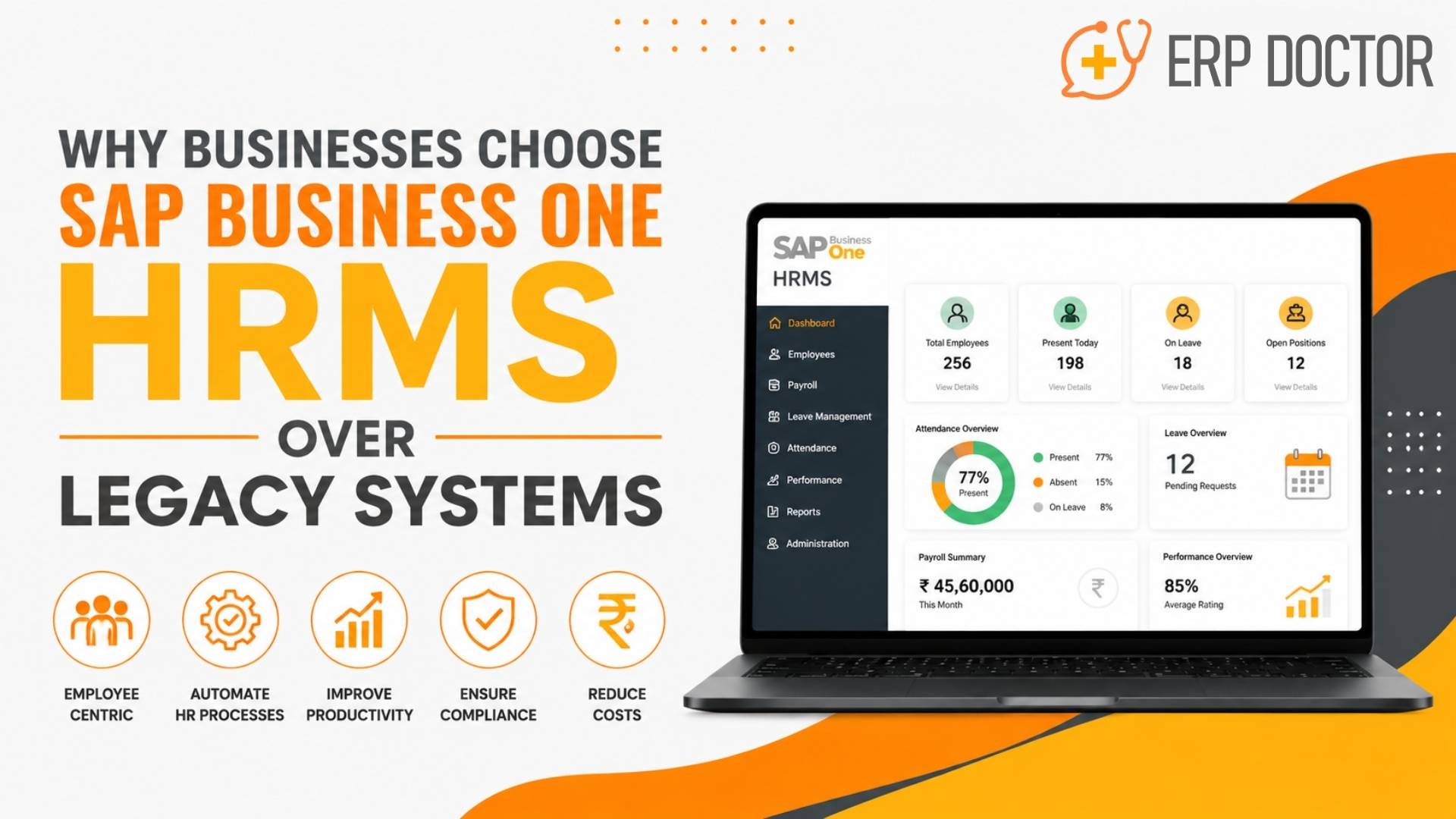
Why Businesses Choose SAP Business One HRMS Over Legacy Systems
SAP Business One HRMS for Connected, Efficient, and Scalable HR Operations
Growing businesses often reach a point where spreadsheets, standalone payroll applications, and disconnected HR tools can no longer support workforce complexity.
Employee records become fragmented. Payroll processing takes longer. Attendance data requires manual reconciliation. Management reports arrive too late to guide decisions.
An SAP Business One–integrated HRMS solution helps replace these disconnected processes with centralized employee data, automated workflows, payroll and attendance integration, and real-time workforce reporting.
For growing SMEs, moving away from legacy HR systems is not simply a technology upgrade. It is a strategic step toward stronger process control, improved employee services, and more scalable business operations.
What Is SAP Business One HRMS?
SAP Business One HRMS refers to an HR management solution integrated with the SAP Business One ERP environment.
Depending on the selected product, localization, and implementation model, it may support:
- Employee master data
- Attendance and shift management
- Leave administration
- Payroll processing
- Employee onboarding
- Document management
- Performance tracking
- Employee self-service
- Workforce reporting
- Statutory and compliance processes
The primary advantage is integration. HR information can connect with finance, cost centres, departments, projects, and management reporting instead of remaining isolated in separate applications.
Legacy HR Systems and Their Hidden Business Costs
Legacy HR systems do not always fail suddenly. More often, they create small inefficiencies that accumulate as the organization grows.
These inefficiencies increase administrative effort, weaken reporting accuracy, and make workforce management harder to control.
Fragmented Employee Records
Many organizations store employee information across spreadsheets, emails, paper files, payroll applications, and attendance systems.
This creates multiple versions of the same record and makes it difficult to determine which information is current.
Common consequences include:
- Duplicate employee records
- Outdated personal information
- Missing employment documents
- Inconsistent department data
- Delayed responses to employee requests
- Time-consuming audit preparation
A centralized HRMS creates one governed source of workforce information.
Excessive Spreadsheet Dependency
Spreadsheets are useful for small datasets, but they become difficult to control when used as the primary HR platform.
Typical spreadsheet-related problems include:
- Version-control conflicts
- Repetitive data entry
- Formula errors
- Limited access controls
- Poor approval visibility
- Difficult collaboration
- Time-consuming report preparation
As headcount increases, spreadsheet-based processes usually require more administrative effort rather than becoming more efficient.
Payroll and Attendance Errors
Payroll accuracy depends on reliable inputs from attendance, leave, overtime, allowances, deductions, and employee master records.
When this information is maintained across disconnected systems, HR teams must manually consolidate and verify it before each payroll cycle.
This can result in:
- Incorrect salary calculations
- Missed overtime entries
- Inaccurate leave deductions
- Delayed salary processing
- Rework for HR and finance
- Reduced employee confidence
An integrated HRMS reduces manual data transfer and creates a more controlled payroll process.
Delayed Workforce Reporting
Business leaders need current information about headcount, labour cost, absence, overtime, departmental staffing, and recruitment needs.
Legacy systems often produce static reports that require manual preparation.
By the time the report reaches management, the information may already be outdated.
This limits the organization’s ability to:
- Identify rising labour costs
- Detect attendance trends
- Plan recruitment
- Optimize staffing
- Monitor leave exposure
- Compare workforce performance across departments
Real-time dashboards enable faster and more informed workforce decisions.
Poor Employee Experience
Employees expect HR services to be accurate, transparent, and accessible.
Manual HR environments often create delays in:
- Leave approvals
- Attendance corrections
- Payslip access
- Employee-data updates
- Reimbursement processing
- HR document requests
These delays create frustration for employees and increase the workload placed on HR teams.
Compliance and Audit Exposure
HR departments must maintain complete and accurate employee, payroll, attendance, and statutory records.
Manual processes increase the risk of:
- Missing documents
- Incorrect deductions
- Incomplete approval histories
- Inconsistent employee records
- Weak audit trails
- Delayed compliance reporting
A structured HRMS improves record governance, although statutory capabilities should always be evaluated against the organization’s country, industry, and legal requirements.
Limited Scalability
A process that works for 50 employees may become difficult to manage at 200 or 500 employees.
Legacy systems often struggle when businesses add:
- New locations
- Additional departments
- More complex shifts
- Larger payroll volumes
- New approval levels
- Different employee categories
- Expanded compliance requirements
Scalable HR systems allow workforce operations to grow without a proportional increase in manual administration.
Why Businesses Choose SAP Business One HRMS
Businesses typically replace legacy HR systems to gain better control, greater automation, and stronger visibility.
An SAP Business One–integrated HRMS addresses these priorities by connecting workforce processes with the wider ERP environment.
Centralized Employee Data
SAP Business One HRMS can provide a structured repository for employee information.
Depending on the solution configuration, HR teams may manage:
- Personal details
- Employment information
- Department and reporting structure
- Compensation data
- Leave balances
- Attendance history
- Payroll records
- Employee documents
- Training information
- Performance records
Centralization reduces duplicate data and makes employee information easier to govern.
It also allows authorized users to retrieve records faster without searching through spreadsheets, email threads, or filing systems.
Automated HR Workflows
Routine administration consumes significant HR capacity.
Workflow automation can standardize processes such as:
- Employee onboarding
- Leave applications
- Attendance corrections
- Shift approvals
- Payroll preparation
- Employee confirmation
- Document collection
- Exit formalities
- Internal HR requests
Automated routing, notifications, and approval histories reduce follow-up work and improve process accountability.
HR professionals can then spend more time on workforce planning, employee development, retention, and organizational improvement.
Integrated Payroll and Attendance
Payroll and attendance should not operate as isolated functions.
An integrated environment allows validated attendance, leave, overtime, and employee data to support payroll preparation.
Potential business benefits include:
- Less manual reconciliation
- Faster payroll cycles
- Fewer input errors
- Better exception visibility
- Stronger approval control
- More consistent employee records
Actual payroll and statutory capabilities vary by localization and HRMS product. Businesses should verify country-specific tax, labour, and reporting requirements during solution evaluation.
Real-Time HR Analytics
Modern HR leadership requires more than historical payroll reports.
An integrated HRMS can provide dashboards and reports for:
- Employee headcount
- Labour cost
- Absenteeism
- Overtime
- Leave utilization
- Department staffing
- Employee turnover
- Recruitment requirements
- Attendance exceptions
- HR service performance
These insights help management identify trends before they become larger operational problems.
Improved HR and Finance Coordination
Disconnected HR and finance systems create reconciliation work and reporting delays.
Integrating HRMS data with SAP Business One can improve coordination around:
- Payroll accounting
- Departmental employee costs
- Cost-centre allocation
- Reimbursements
- Employee-related expenses
- Workforce budgeting
- Management reporting
This creates a clearer relationship between workforce activity and financial performance.
Better Employee Services
HR technology should simplify employee interaction with the organization.
Depending on the selected HRMS, employees may gain access to:
- Leave requests
- Attendance information
- Payslips
- Personal-data updates
- Approval status
- HR policies
- Employee documents
- Internal service requests
Faster access and greater transparency can improve employee trust while reducing repetitive queries to HR.
Stronger Process Governance
A structured HRMS helps standardize how employee-related activities are initiated, approved, recorded, and reported.
This supports:
- Consistent workflows
- Role-based access
- Approval tracking
- Historical records
- Better document control
- Clear accountability
- Easier audit preparation
The result is greater control than spreadsheet- or email-based processes can usually provide.
Scalability for Growing SMEs
SAP Business One is widely used by small and midsized businesses that require integrated operational control.
An HRMS connected to that ERP environment can help support:
- Increasing employee numbers
- New departments
- Additional locations
- Organizational restructuring
- More complex approval structures
- Expanded reporting needs
- Future process automation
The organization can improve workforce capability without maintaining an increasing number of disconnected tools.
SAP Business One HRMS vs Legacy HR Systems
| Evaluation area | Legacy HR system | SAP Business One–integrated HRMS |
| Employee data | Stored across multiple files and systems | Centralized and governed employee records |
| HR workflows | Email-, paper-, or spreadsheet-driven | Configurable digital workflows |
| Payroll inputs | Manually consolidated | Attendance and employee data can be integrated |
| Reporting | Static and delayed | Real-time or scheduled dashboards |
| HR-finance coordination | Frequent reconciliation | Better connection with ERP and financial data |
| Approval visibility | Difficult to track | Defined approvals and audit histories |
| Employee access | HR-dependent | Self-service capabilities may be available |
| Scalability | More manual work as headcount grows | Structured support for expansion |
| Compliance records | Fragmented documentation | Centralized records and clearer audit trails |
| Decision-making | Based on delayed information | Supported by current workforce insights |
Business Outcomes of HRMS Modernization
The value of HR modernization should be measured through operational outcomes rather than software features alone.
Businesses should establish baseline metrics before implementation and compare them after deployment.
Useful performance indicators include:
- Payroll processing time
- Number of payroll corrections
- Leave approval turnaround time
- Attendance exception volume
- Time spent preparing HR reports
- Employee-data error rate
- HR requests handled per employee
- Onboarding completion time
- Audit document retrieval time
- Percentage of employee self-service transactions
These metrics help management assess whether the new HRMS is improving productivity, accuracy, control, and employee service.
SAP Business One HRMS Implementation Considerations
A successful HRMS project requires more than software configuration.
Businesses should evaluate the following areas before implementation.
HR Process Standardization
Digitizing an inefficient process does not automatically make it effective.
Before configuration, the organization should review:
- Approval levels
- Leave policies
- Shift rules
- Payroll inputs
- Employee categories
- Onboarding requirements
- Document controls
- Reporting responsibilities
Standardizing these areas reduces unnecessary customization.
Data Migration
Employee data is often stored across several legacy sources.
Migration planning should include:
- Record cleansing
- Duplicate removal
- Mandatory-field validation
- Historical-data requirements
- Document migration
- Payroll opening balances
- Leave balances
- Security classification
Poor-quality source data can weaken the value of the new system.
Integration Scope
The implementation team should define which systems will exchange information with the HRMS.
Potential integrations include:
- SAP Business One
- Biometric devices
- Attendance applications
- Payroll engines
- Banking systems
- Recruitment platforms
- Employee portals
- Document-management systems
- Business intelligence tools
Each integration should have a clear owner, data flow, validation rule, and exception-handling process.
Security and Access Control
HR systems contain sensitive employee information.
The solution should support appropriate controls for:
- Role-based access
- Payroll confidentiality
- Personal-data protection
- Approval authority
- Record modification
- User deactivation
- Audit logging
- Data retention
Access should be based on job responsibility and the principle of least privilege.
Country-Specific Compliance
Payroll, tax, labour, leave, and statutory requirements vary by country.
Businesses should confirm that the selected HRMS supports relevant local requirements and can be updated when regulations change.
These capabilities should be validated during solution selection rather than assumed from the ERP platform alone.
User Adoption
HRMS value depends on consistent usage by HR teams, managers, employees, finance users, and system administrators.
A practical adoption plan should include:
- Role-based training
- Process documentation
- User acceptance testing
- Manager orientation
- Employee self-service guidance
- Post-go-live support
- Adoption measurement
Why Choose Emerging Alliance for SAP Business One HRMS?
Selecting the right HRMS product is only one part of the transformation.
The implementation partner must understand HR processes, SAP Business One integration, reporting requirements, data migration, and user adoption.
Emerging Alliance helps growing organizations design and implement SAP Business One–integrated HRMS solutions aligned with their operational requirements.
The engagement can include:
- HR process assessment
- Solution-fit evaluation
- SAP Business One integration planning
- Workflow configuration
- Data cleansing and migration
- Payroll and attendance integration
- Dashboard and report design
- User acceptance testing
- Role-based training
- Post-go-live support
Rather than applying a generic HR template, Emerging Alliance works with business, HR, finance, and IT stakeholders to define the correct process and integration model.
This helps create an HR platform that supports operational control, employee service, compliance readiness, and long-term growth.
Conclusion
Legacy HR systems can restrict growth through fragmented data, repetitive administration, payroll errors, delayed reporting, and weak process visibility.
An SAP Business One–integrated HRMS solution provides a more connected approach by centralizing employee records, automating workflows, integrating attendance and payroll inputs, and improving workforce reporting.
The strongest business case comes from measurable outcomes: faster payroll processing, fewer corrections, shorter approval cycles, better employee access, and more timely management information.
For growing SMEs, HR modernization is not simply about replacing spreadsheets. It is about creating a scalable workforce-management foundation that connects people, processes, and business performance.
Frequently Asked Questions
Why should a business replace its legacy HR system?
A business should replace a legacy HR system when manual work, disconnected data, payroll errors, reporting delays, and poor scalability begin affecting productivity or control. A modern HRMS centralizes employee information, automates routine workflows, improves reporting, and provides a stronger foundation for workforce growth.
Is HRMS included as a standard SAP Business One module?
Businesses should not assume that all HRMS capabilities are included natively in every SAP Business One deployment. HR functionality may be provided through localization, an SAP partner solution, an add-on, or an integrated third-party HRMS. Available features should be validated during solution selection.
How does SAP Business One HRMS improve HR efficiency?
It can improve HR efficiency by centralizing employee data and automating onboarding, leave, attendance, payroll preparation, approvals, and document management. This reduces repetitive administration, minimizes data re-entry, and gives HR teams more time for recruitment, engagement, workforce planning, and employee development.
Can SAP Business One HRMS integrate payroll and attendance?
Yes, an appropriate SAP Business One HRMS solution can integrate employee, attendance, leave, overtime, and payroll data. The exact integration model depends on the selected HRMS, payroll engine, biometric system, country requirements, and SAP Business One configuration.
Is SAP Business One HRMS suitable for growing SMEs?
It can be well suited to SMEs that already use SAP Business One and need more structured workforce management. The solution can support increasing headcount, new departments, additional locations, complex approvals, and expanding reporting needs without relying on multiple disconnected applications.
How does an integrated HRMS support compliance?
An integrated HRMS can maintain centralized employee documents, payroll records, attendance history, approvals, and audit trails. This improves record availability and process consistency. However, businesses must verify that the selected solution supports the statutory, labour, tax, and data-protection requirements of each operating country.
What business benefits extend beyond HR automation?
Beyond reducing administration, an integrated HRMS can improve workforce-cost visibility, HR and finance coordination, resource planning, employee services, audit readiness, and management reporting. It also provides structured data for decisions involving recruitment, overtime, absence, departmental staffing, and organizational growth.
How long does SAP Business One HRMS implementation take?
The timeline depends on employee count, process complexity, payroll scope, localization, integrations, data quality, customization, and number of locations. A reliable implementation plan should include process design, configuration, data migration, integration, testing, training, cutover, and post-go-live support.
Why choose Emerging Alliance for SAP Business One HRMS implementation?
Emerging Alliance combines SAP Business One consulting, HR process assessment, integration planning, data migration, workflow configuration, reporting, training, and ongoing support. This helps organizations implement an HRMS architecture aligned with their operational requirements rather than deploying a disconnected or overly customized system.
Ready to Modernize Your HR Operations?
Assess your existing HR processes, payroll dependencies, reporting gaps, and integration requirements with Emerging Alliance.
Book a personalized SAP Business One HRMS consultation to identify the right solution architecture for your workforce and growth plans.